Everything PlanSync does
The full list, grouped by platform - and a roadmap of what comes next. iOS and Chrome are out now; Android is next.
iOS
on the App StoreOn the App Store now - the app the whole thing was built around.
Parallel timers on the lock screen
Several countdowns at once, each live on the lock screen and in the Dynamic Island. Start one on your phone and, on Pro, it appears on your other signed-in devices.
A full-screen alarm for hyperfocus
When time is up the alarm takes the whole screen, over the lock. iOS 26 rings the system AlarmKit alarm with a +5 snooze; older versions fall back to a time-sensitive notification.
Focus mode, seven faces
One task, one full-screen countdown, nothing else. Seven faces - minimal dial, real stopwatch, big digits - each with its own light/dark override per device. The screen stays awake.
Five home- and lock-screen widgets
Today, Timers, Reminders, Quick-add and a Now dashboard, in four skins. Check off a task, pause a timer or start a preset without opening the app.
Deadline vs plan-for-date
Plan a task for a day and set a separate soft deadline. Overdue tasks flag themselves; ones planned for later wait for their day instead of nagging you now.
Timer presets
Save the durations you reach for every day and start them in a single tap.
Per-timer sound, volume and repeat
Give each timer its own end sound, volume and repeat count, picked from a set of alarm tones.
Offline-first, merges cleanly
Everything works with no connection and reconciles when you are back - last write by time wins, so no edit gets lost.
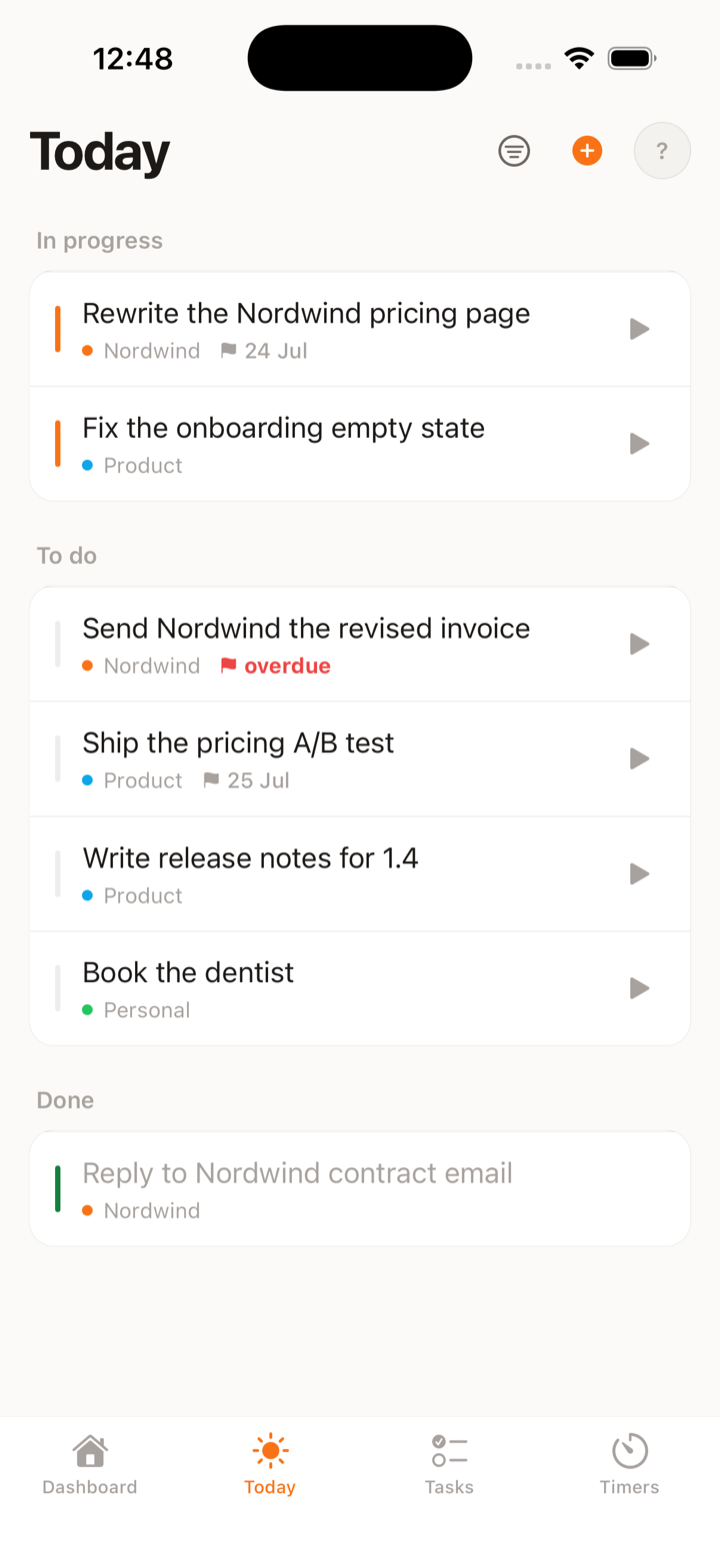
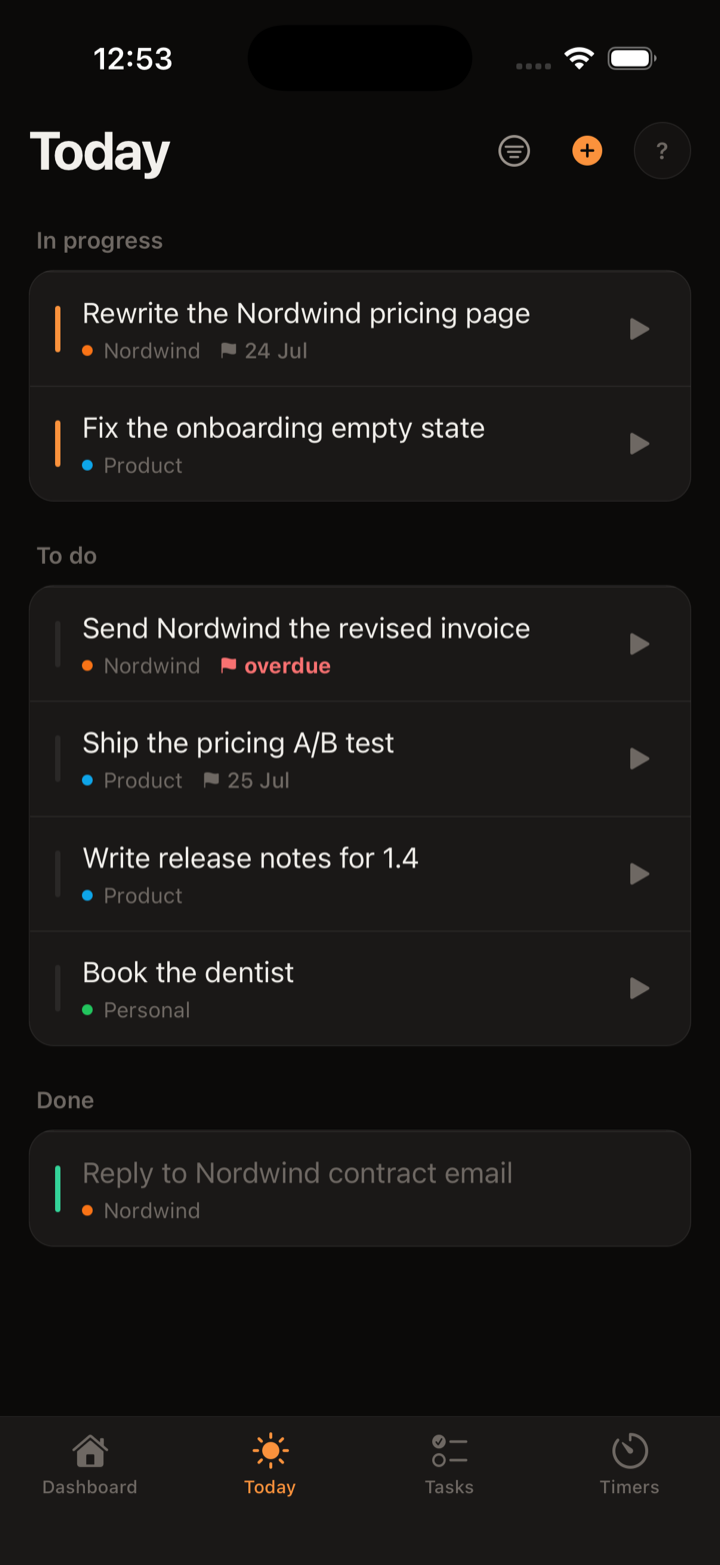
A Today view that stays honest
Plan tasks for a date and they show up on Today - and stay there until done, not silently forgotten.
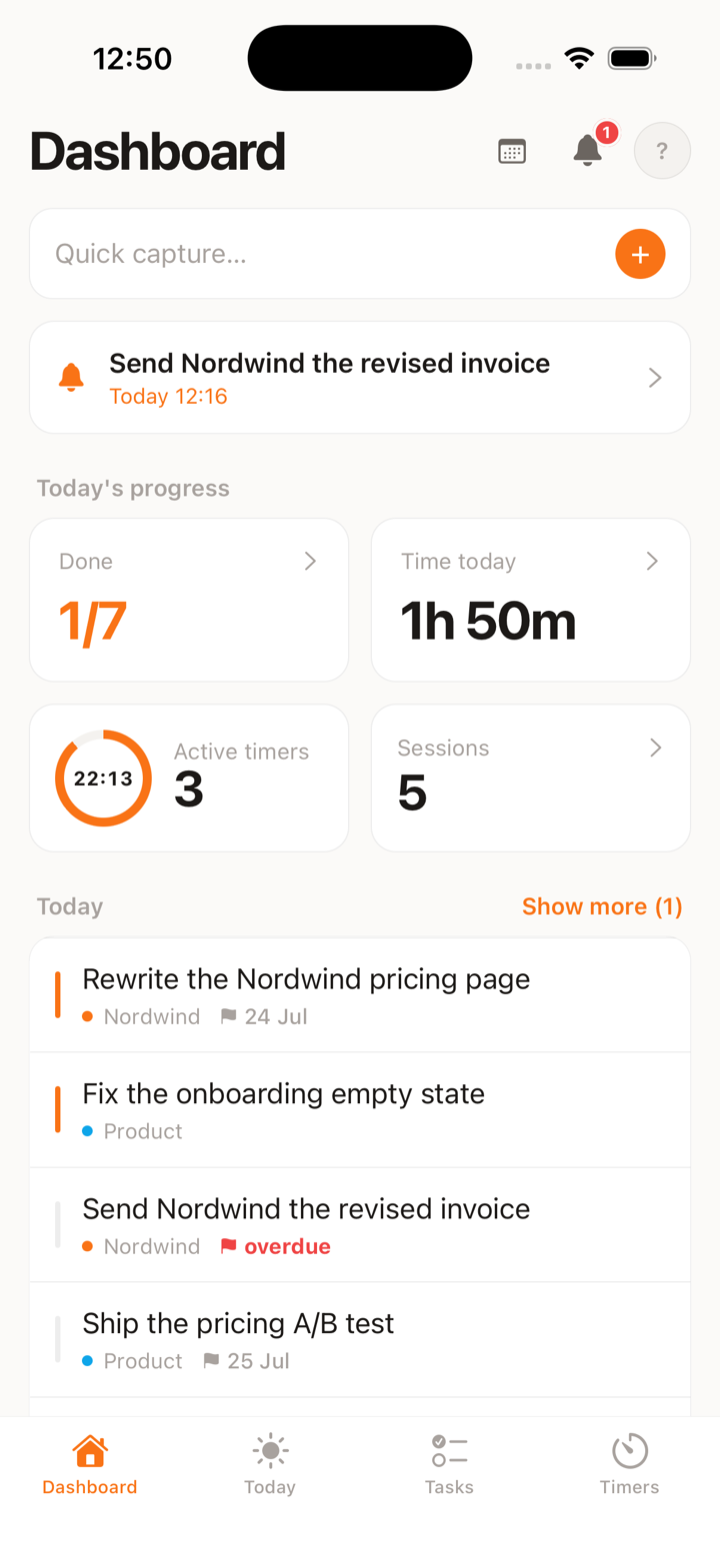
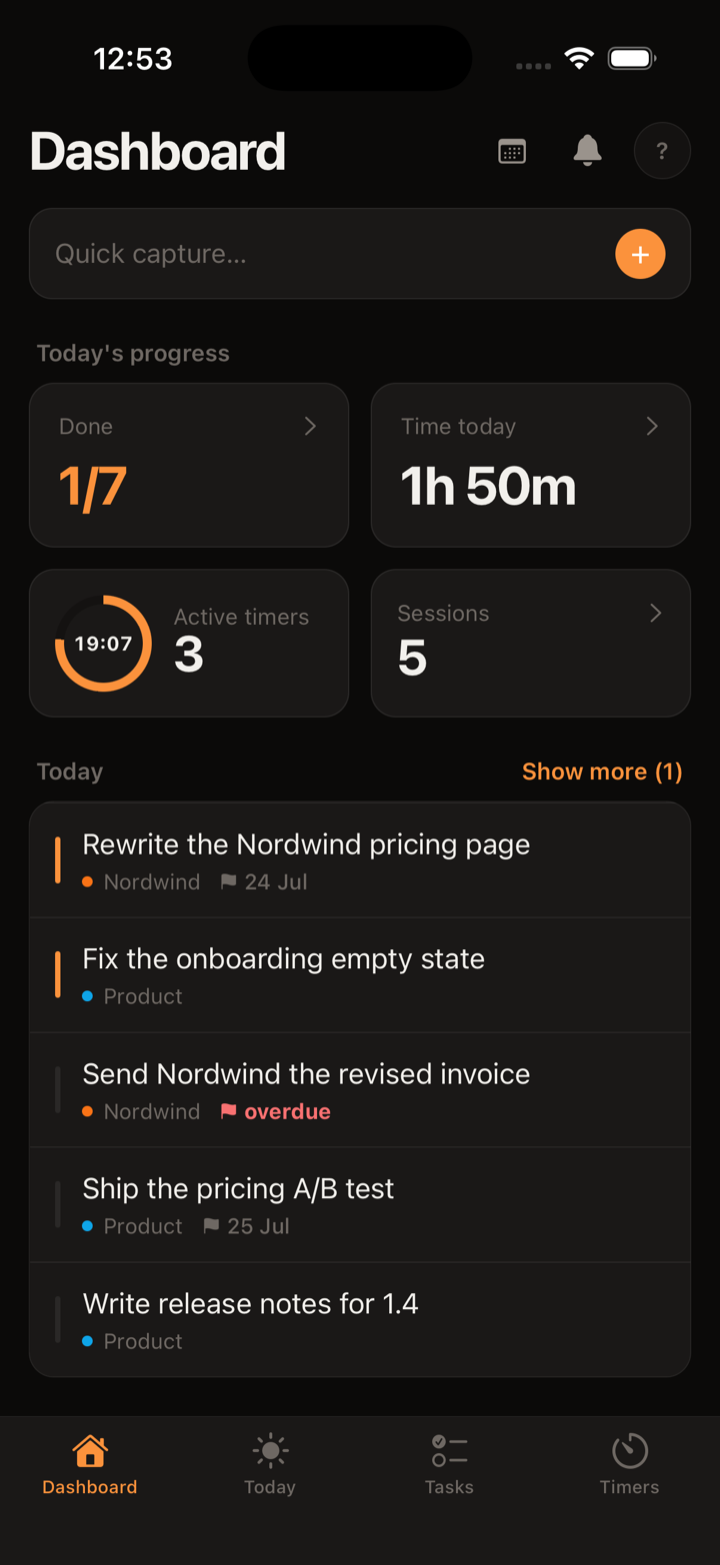
Reminders and a notification center
Set several reminders per task and nudge them with a one-minute wheel or a quick preset. Anything you missed collects in one notification center that clears itself after a few days.
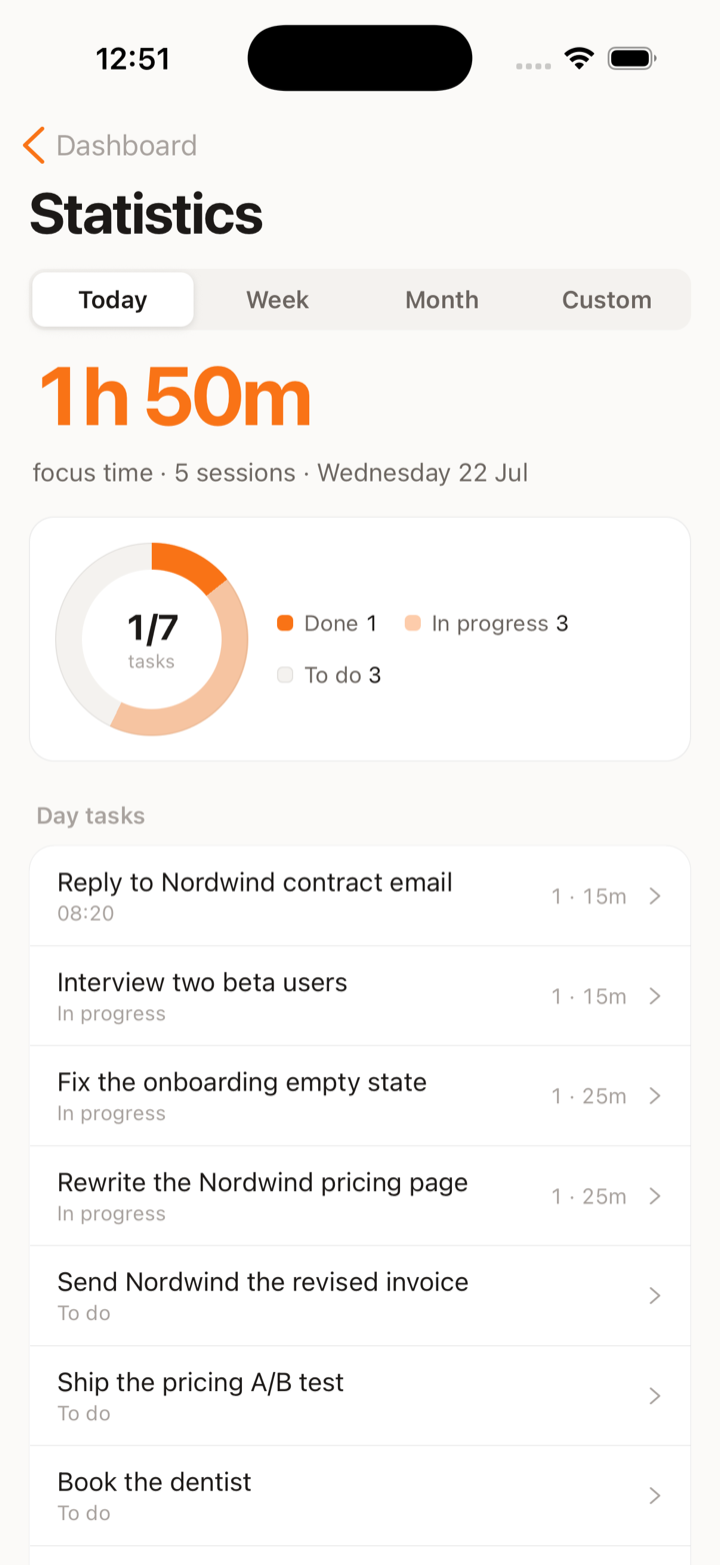
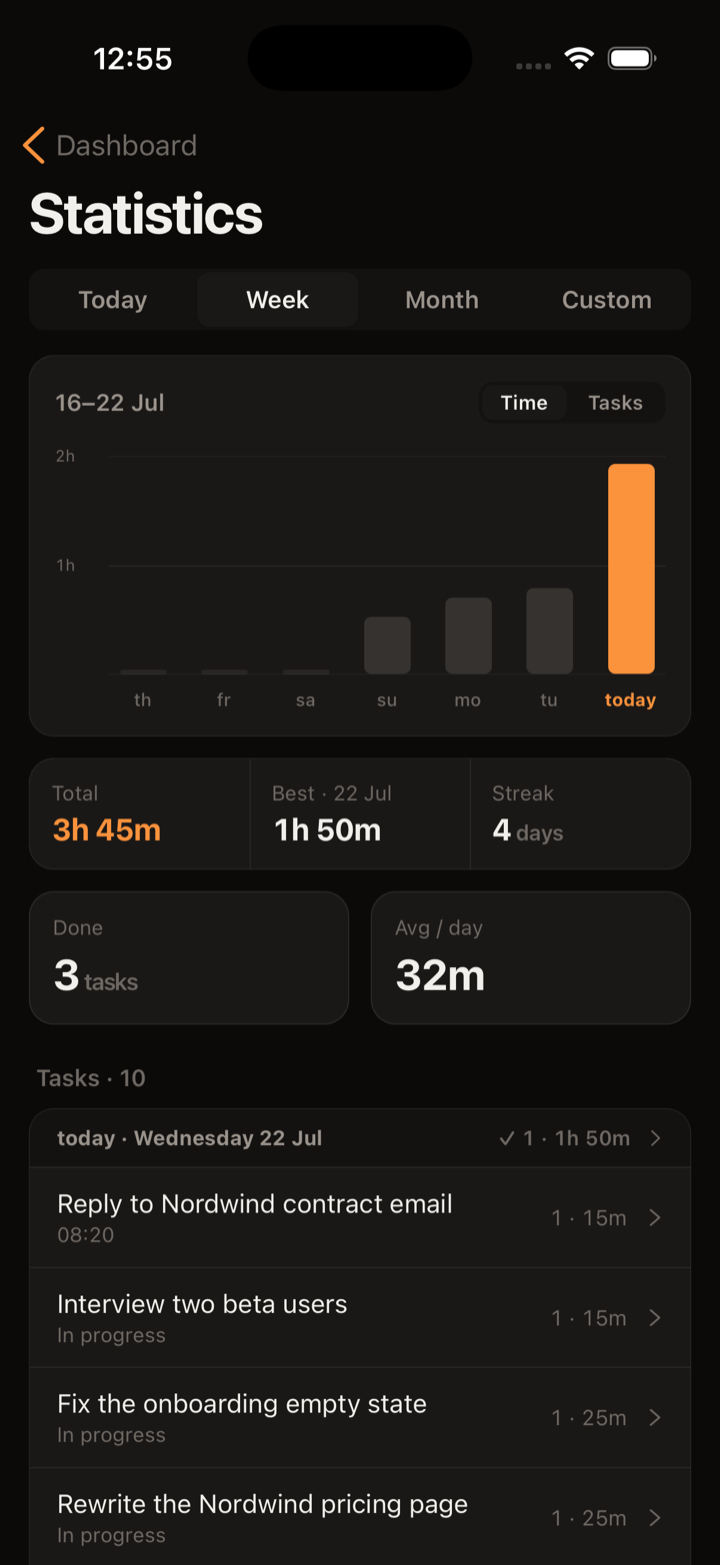
Stats plus Apple or Google sign-in
See today, this week, this month or a custom range in charts built on real session data. Sign in with Apple or Google; the full stats and cross-device sync are part of Pro.
Chrome
on the Chrome Web StoreA full-fledged Chrome extension - the desktop half of the same account.
Reminders that keep nudging
Set several reminders on one task, snooze the ones that land at a bad moment, and keep everything pending in its own Reminders view.
Archive instead of delete
Send finished tasks to the archive rather than deleting them, and reach back in whenever you need the history.
Backup and export
Export everything to a file and restore it later - your data stays portable and yours.
Diagnostics you can read
The last errors stay on your machine, in the settings - read them, copy them, clear them. Error reporting switches off in the same place.
Sign in with Google or Apple
Two ways in, one account. The extension works offline on its own; Pro adds cross-device sync, so what you change here shows up on your phone.
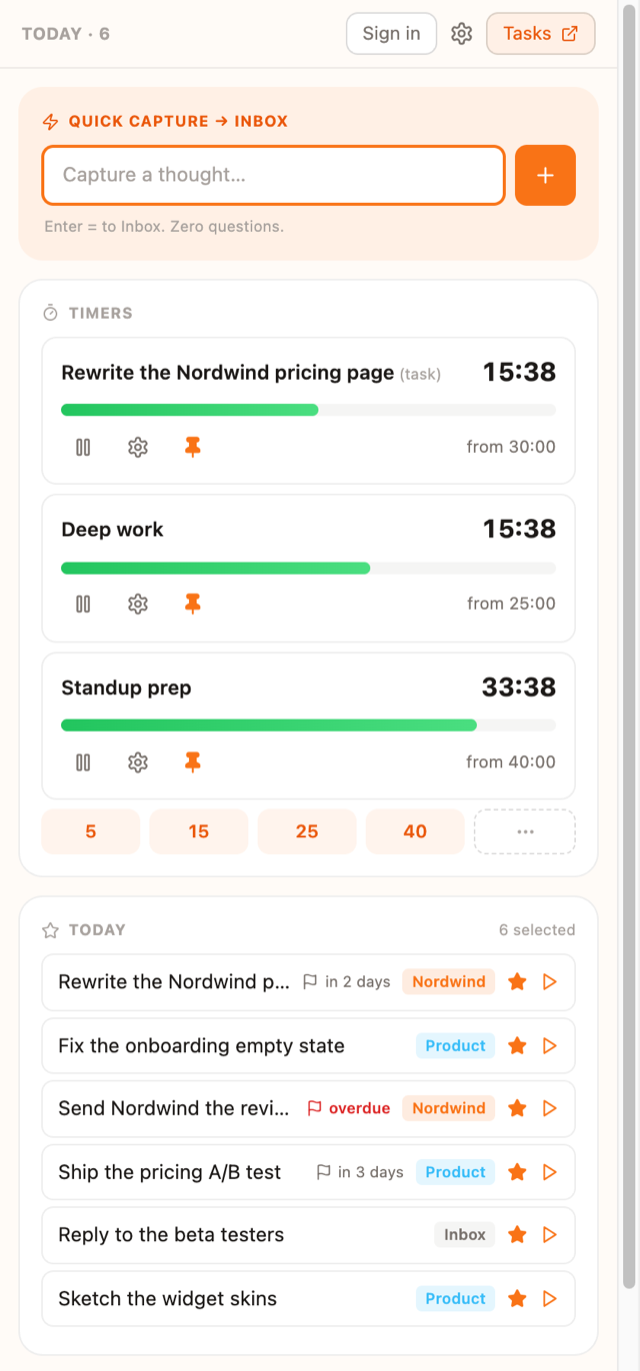
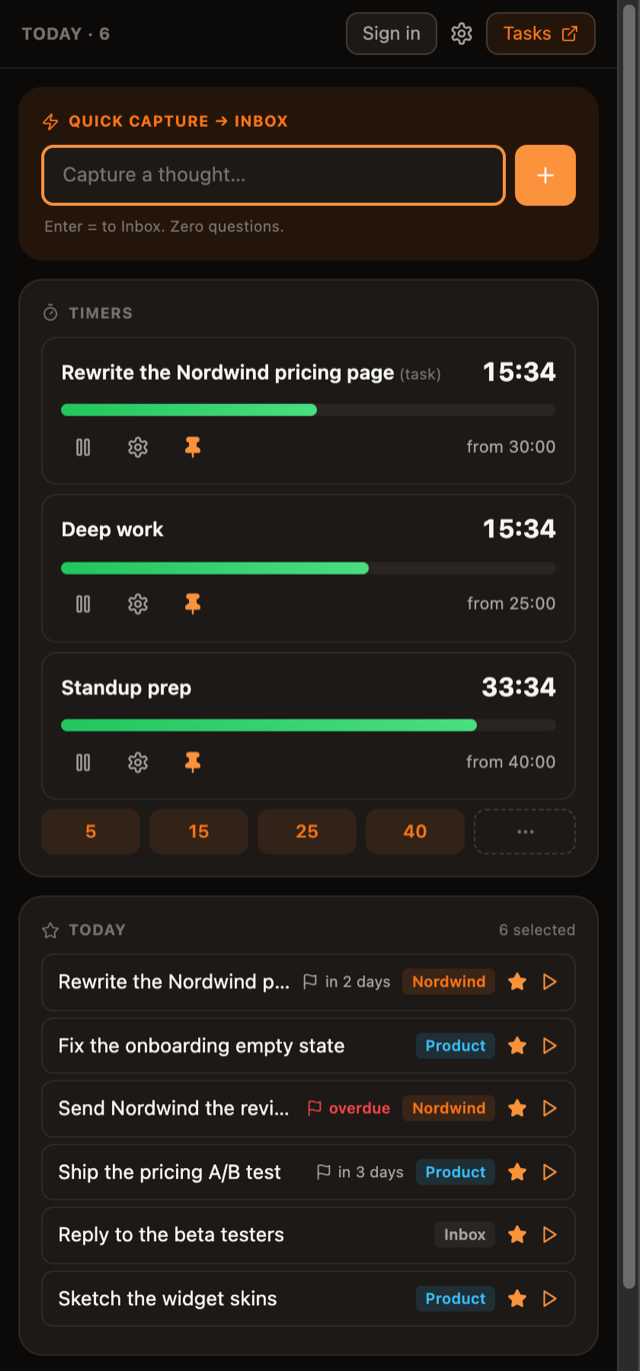
Capture in one keystroke
One keystroke opens the side panel with the cursor already in the capture box. A thought goes from your head onto the list before it evaporates.
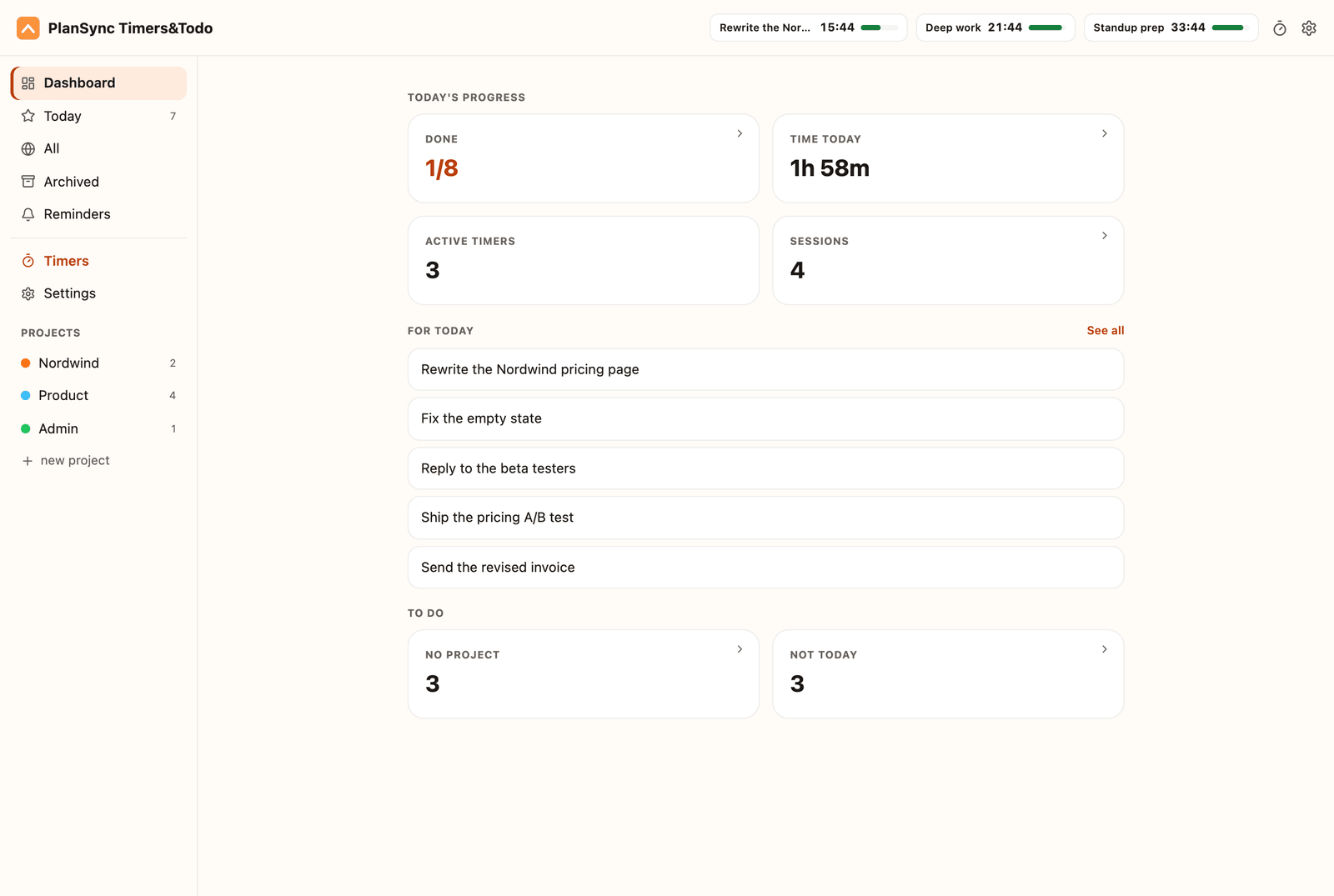
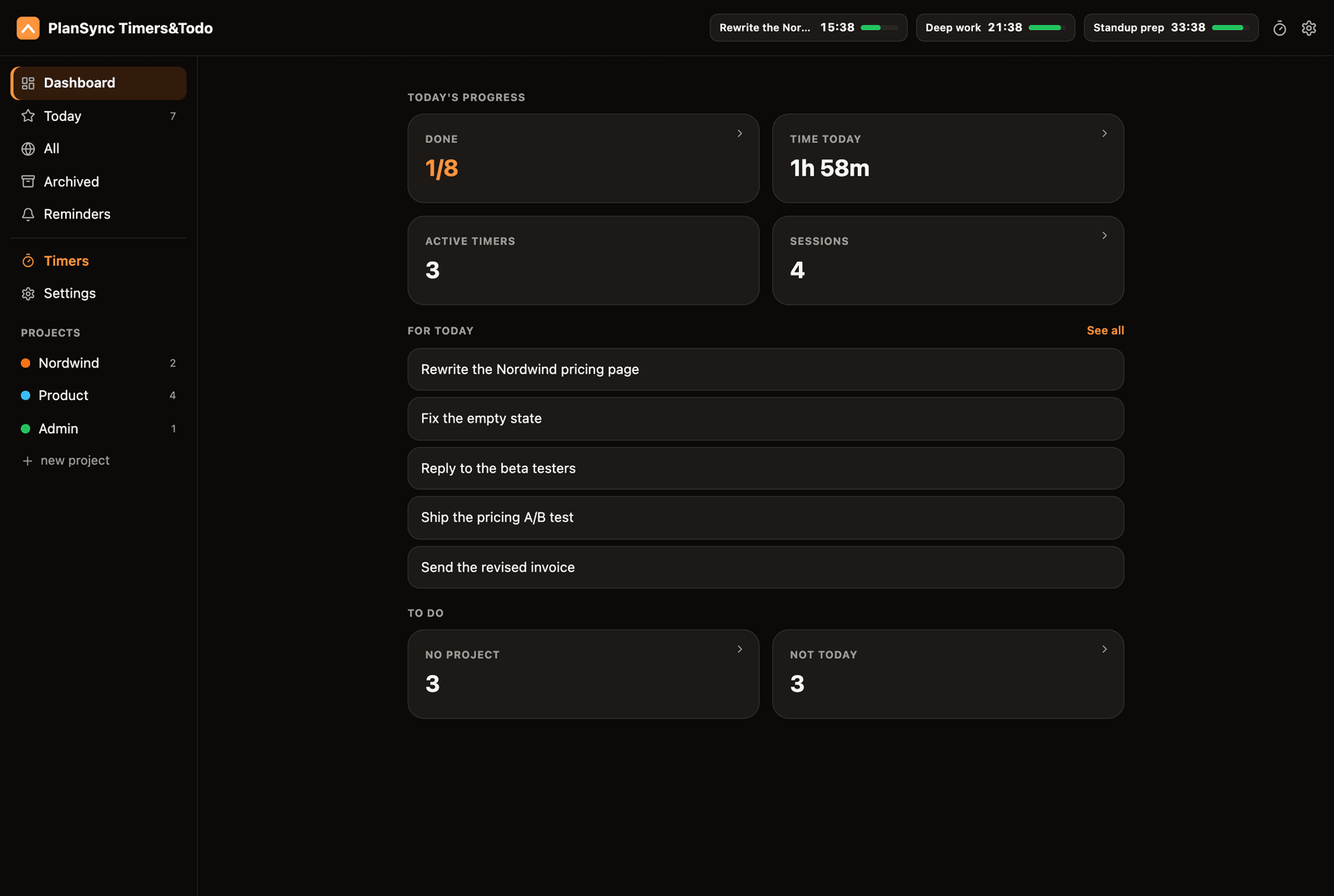
Dashboard at a glance
The full tab opens on a dashboard: what is running, what you planned for today, and what is still waiting without a project - each list a click away.
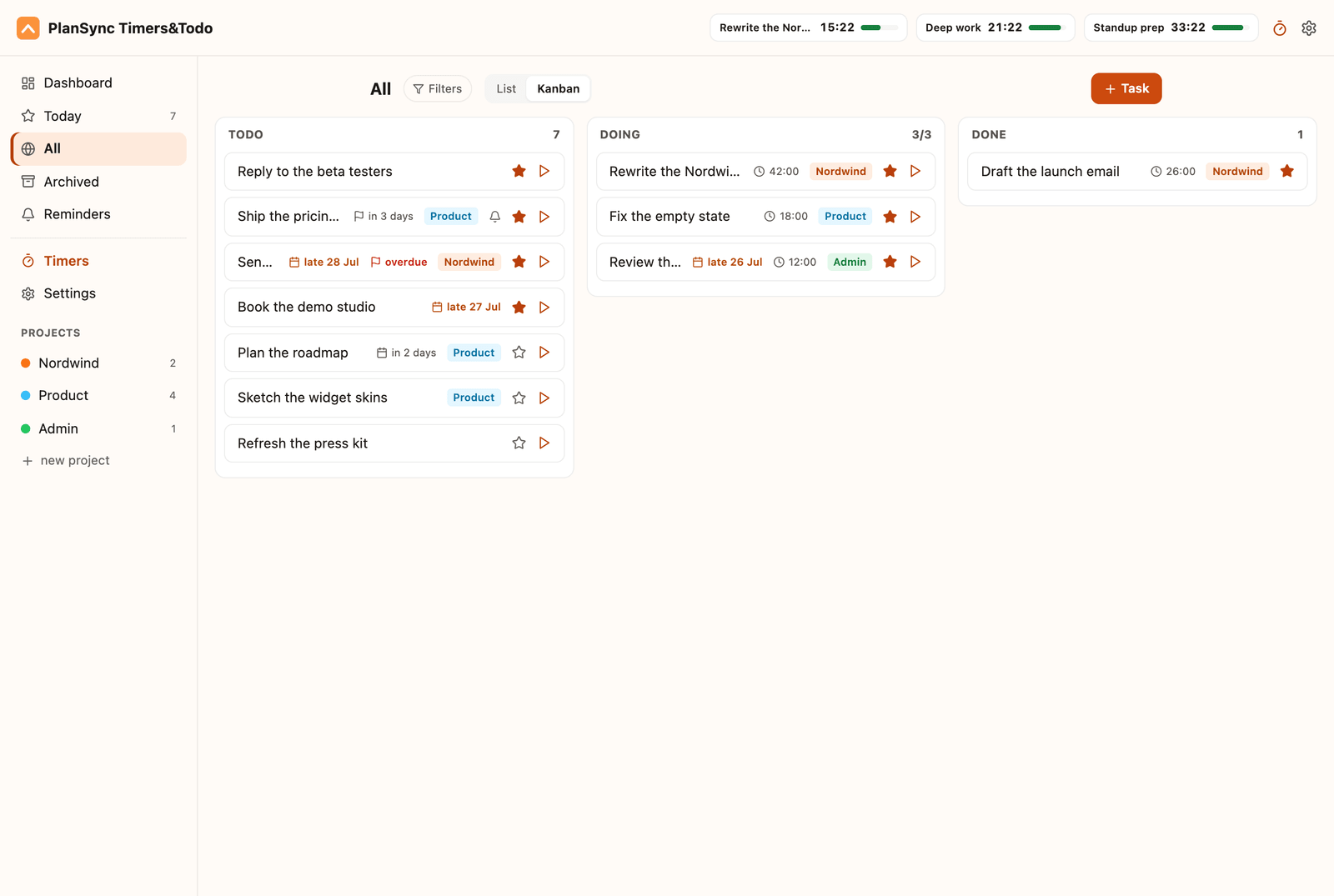
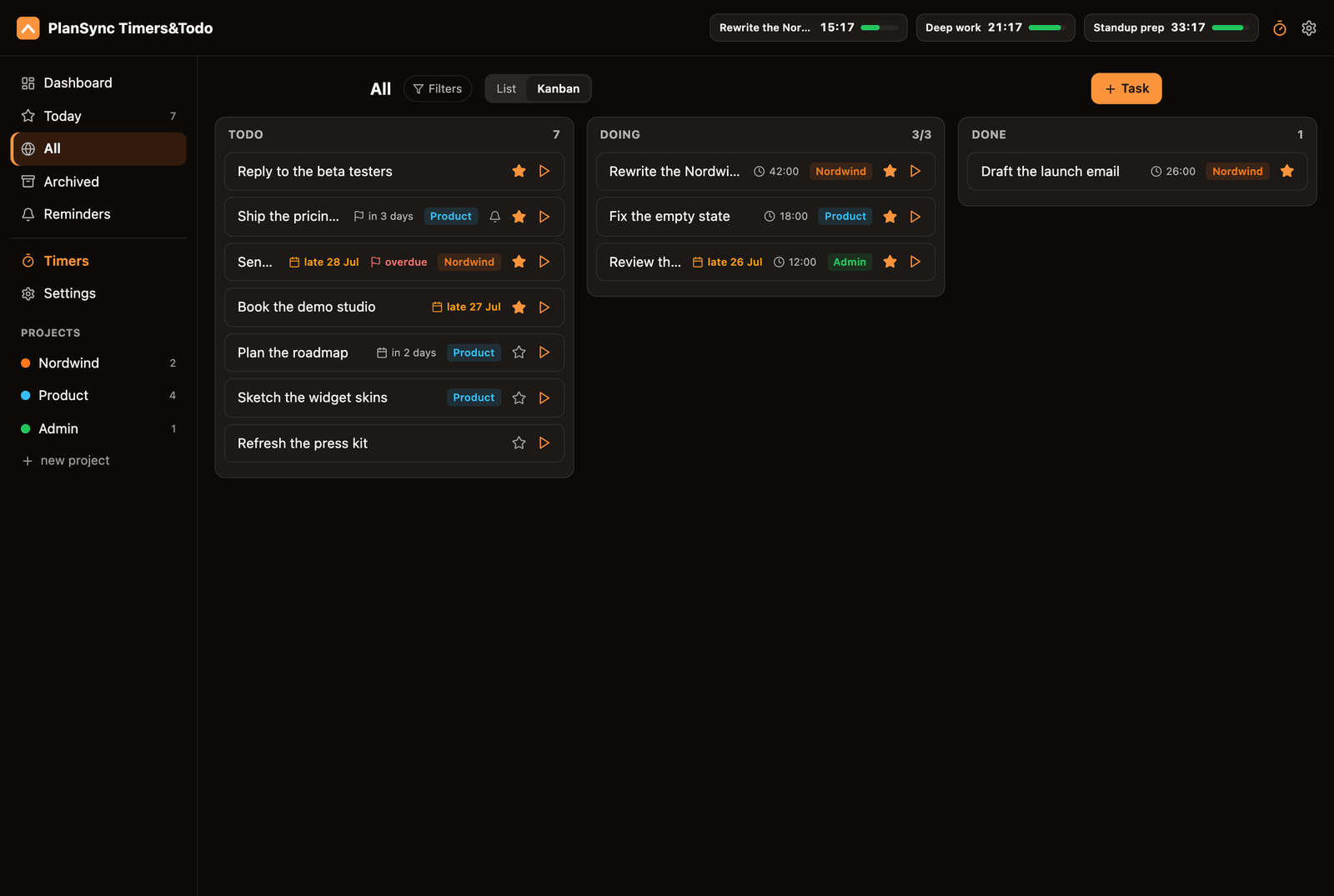
List or kanban, with a WIP limit
Triage in a list with Doing / Todo / Done sections and drag between them, or flip to a kanban board with a soft work-in-progress limit and a full Done column.
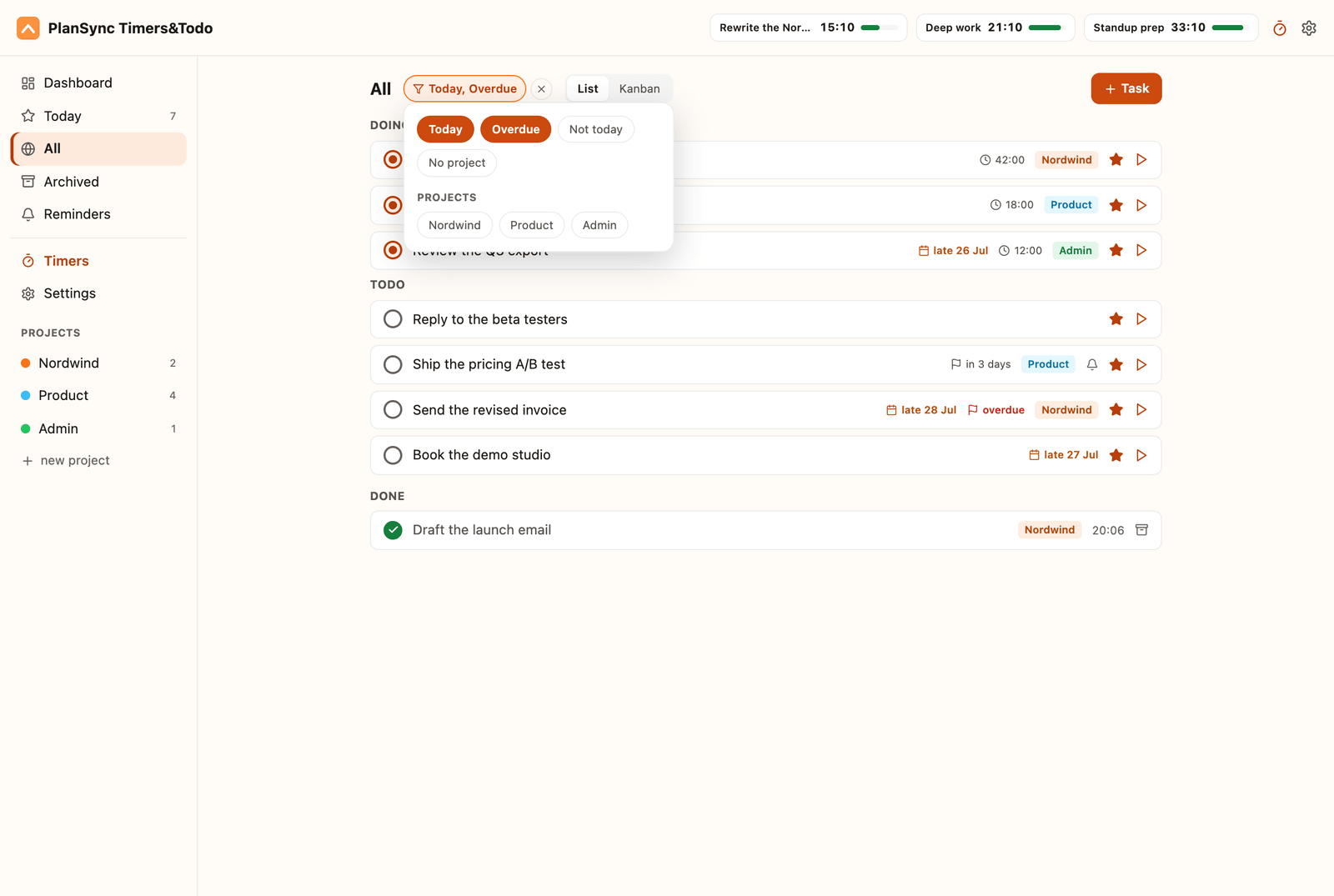
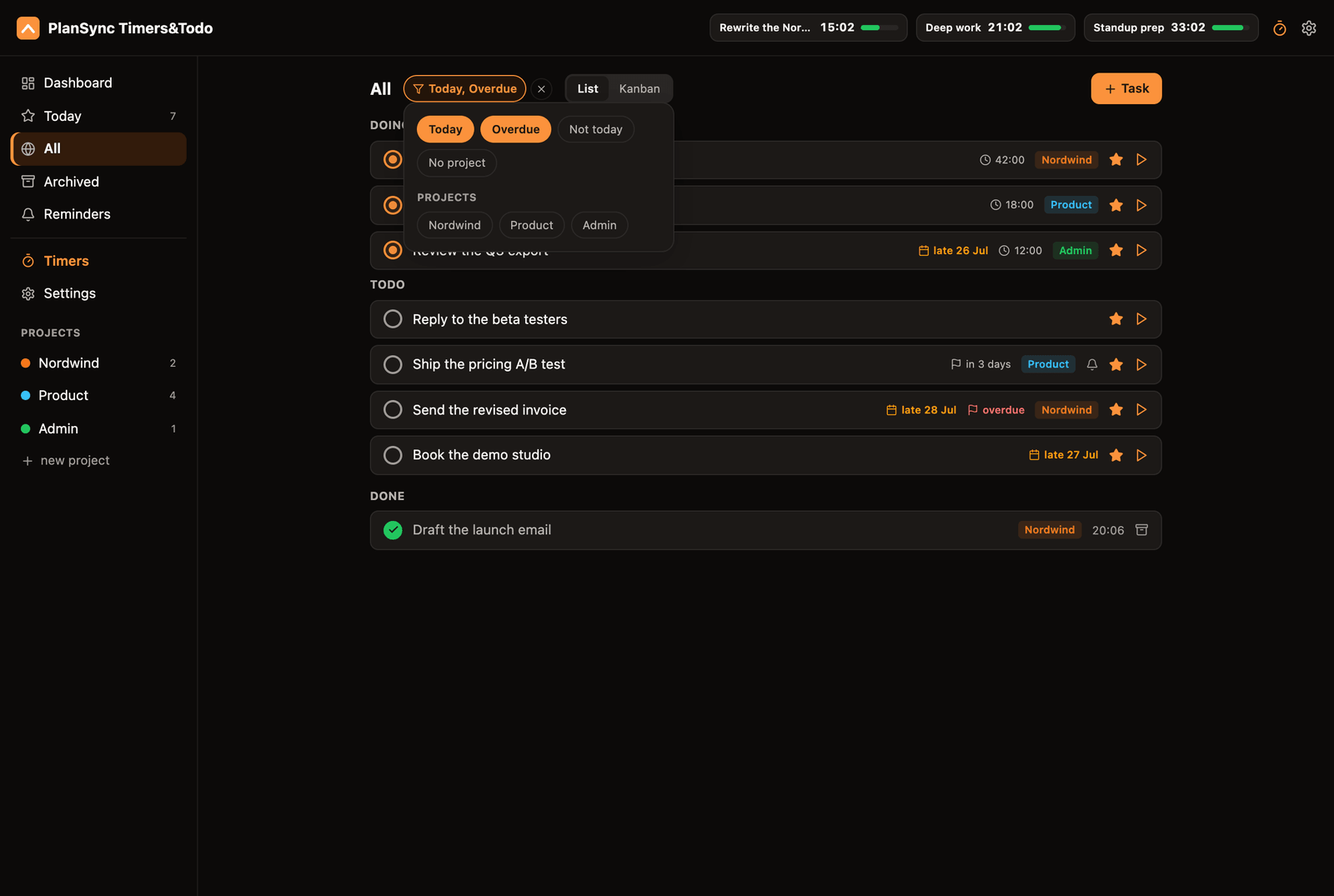
Filters and plan dates
Filter by project, today, overdue or no project, and the bar on top names what is on. Plan a task for a day - past days included - give it a soft deadline, and anything carried over wears an amber overdue chip.
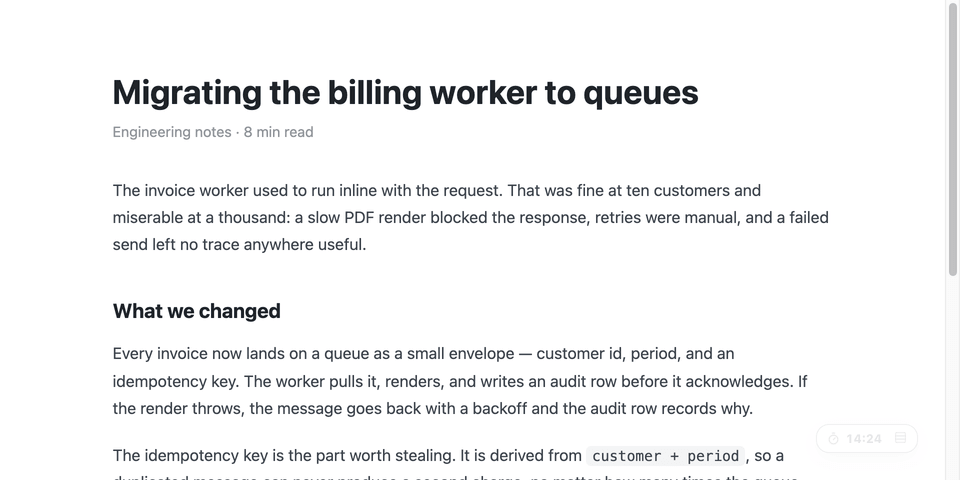
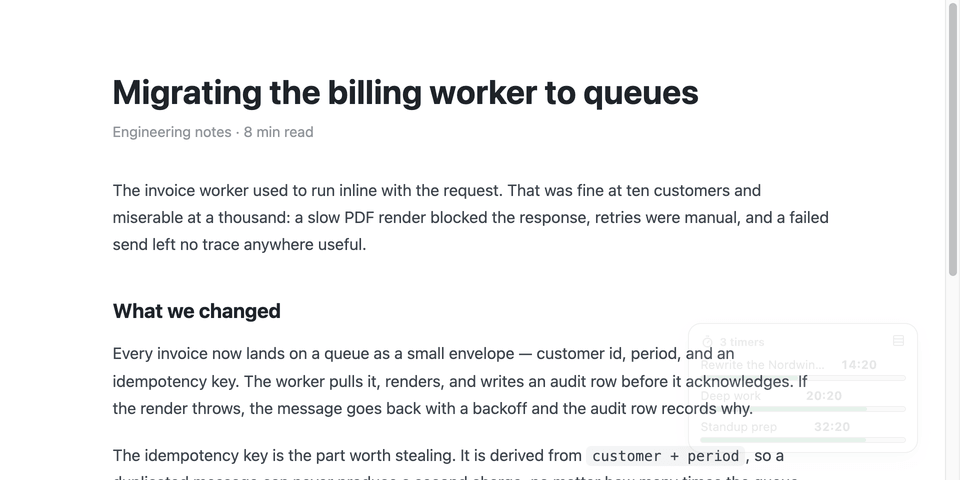
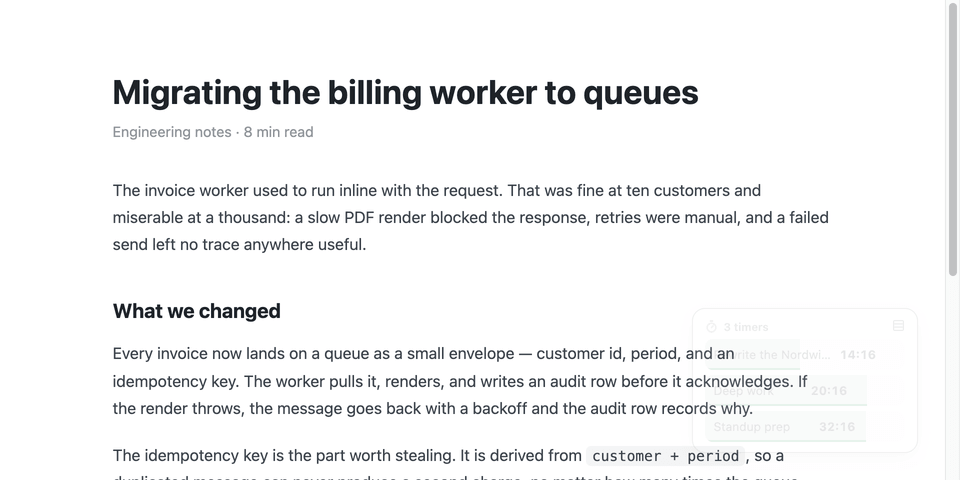
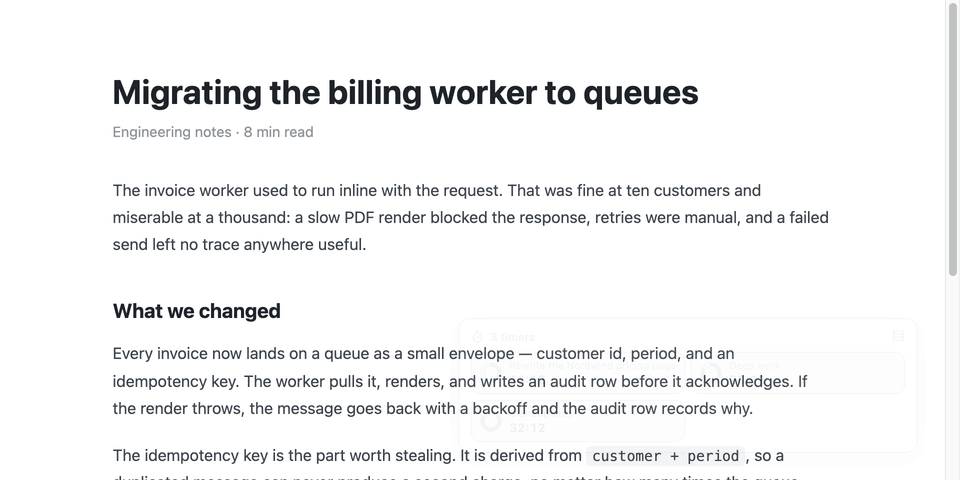
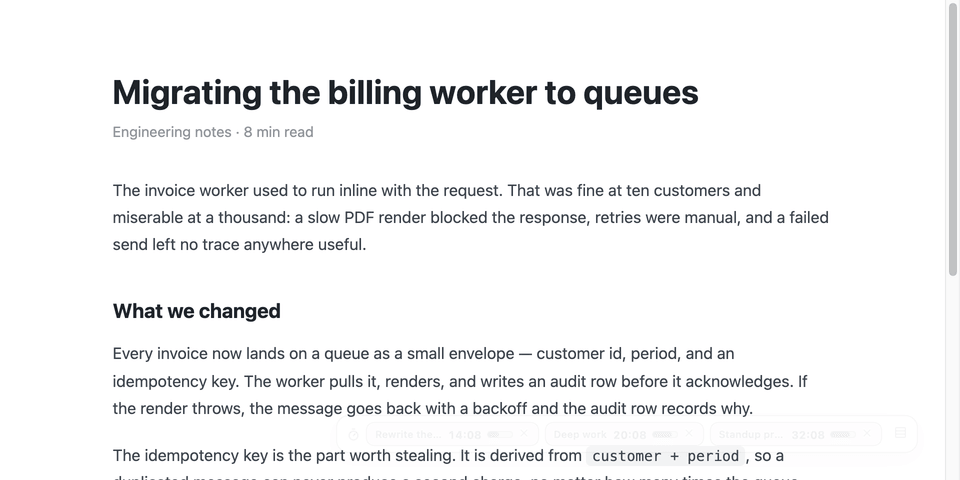
A floating timer in five styles
A pinned timer floats over every page - collapsed, rows, fill, rings or bar. New timers pin themselves, every site remembers the position and the look you left there, and a row cap keeps it small with a see-all expander for the rest.
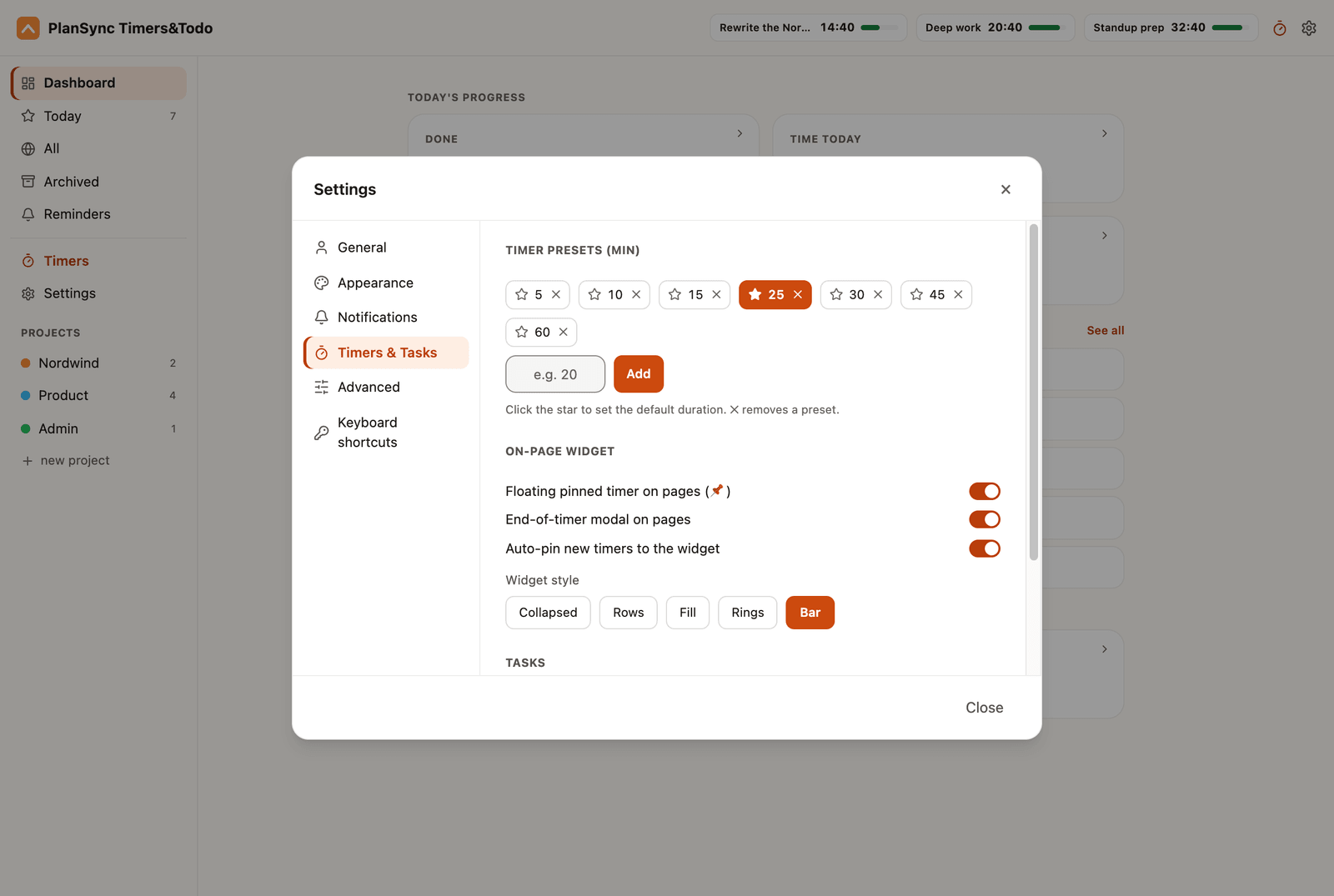
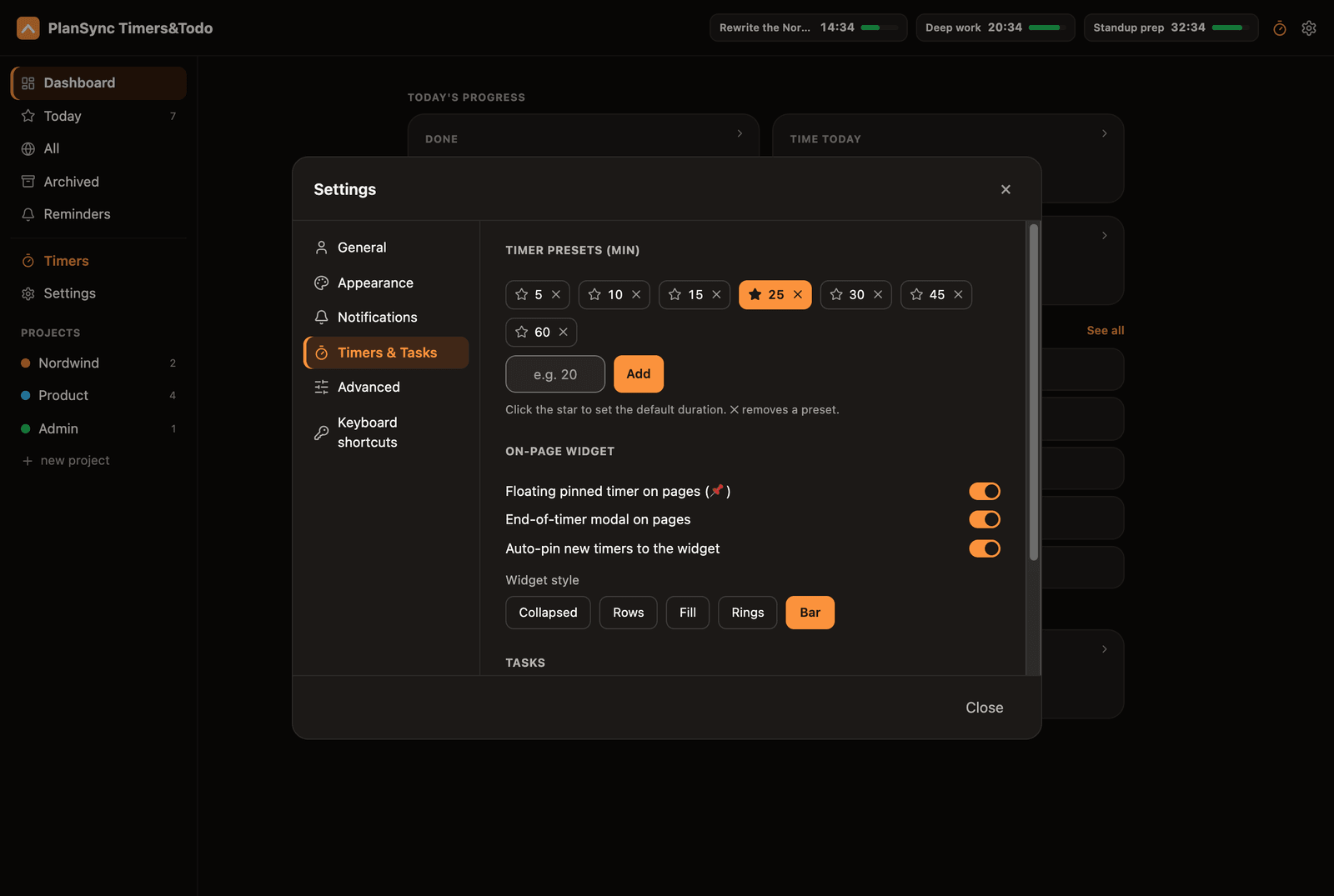
Timer presets you control
Add up to twelve presets, star the one you reach for by default, and the list sorts itself. Each timer still gets its own end sound, volume and repeat.
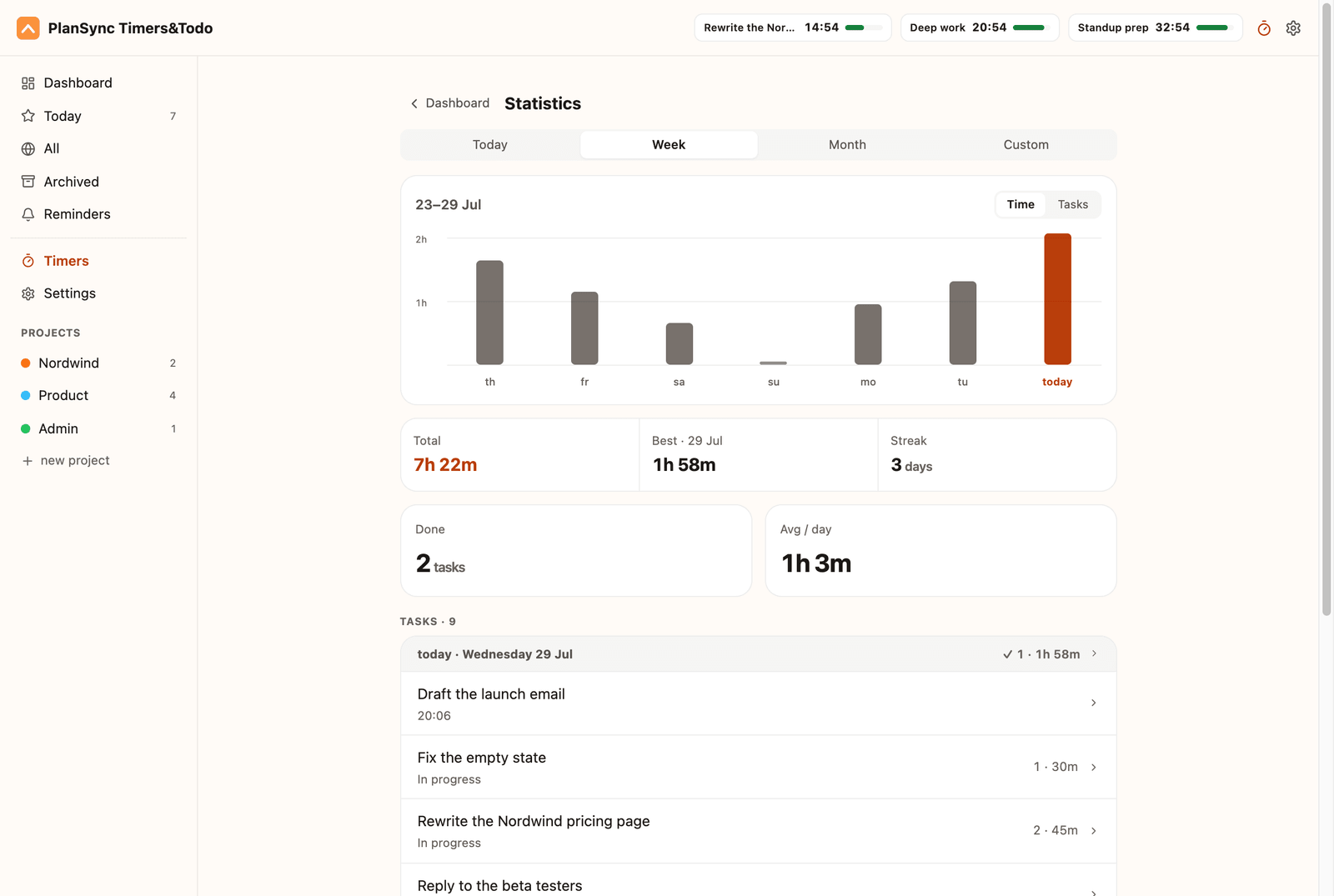
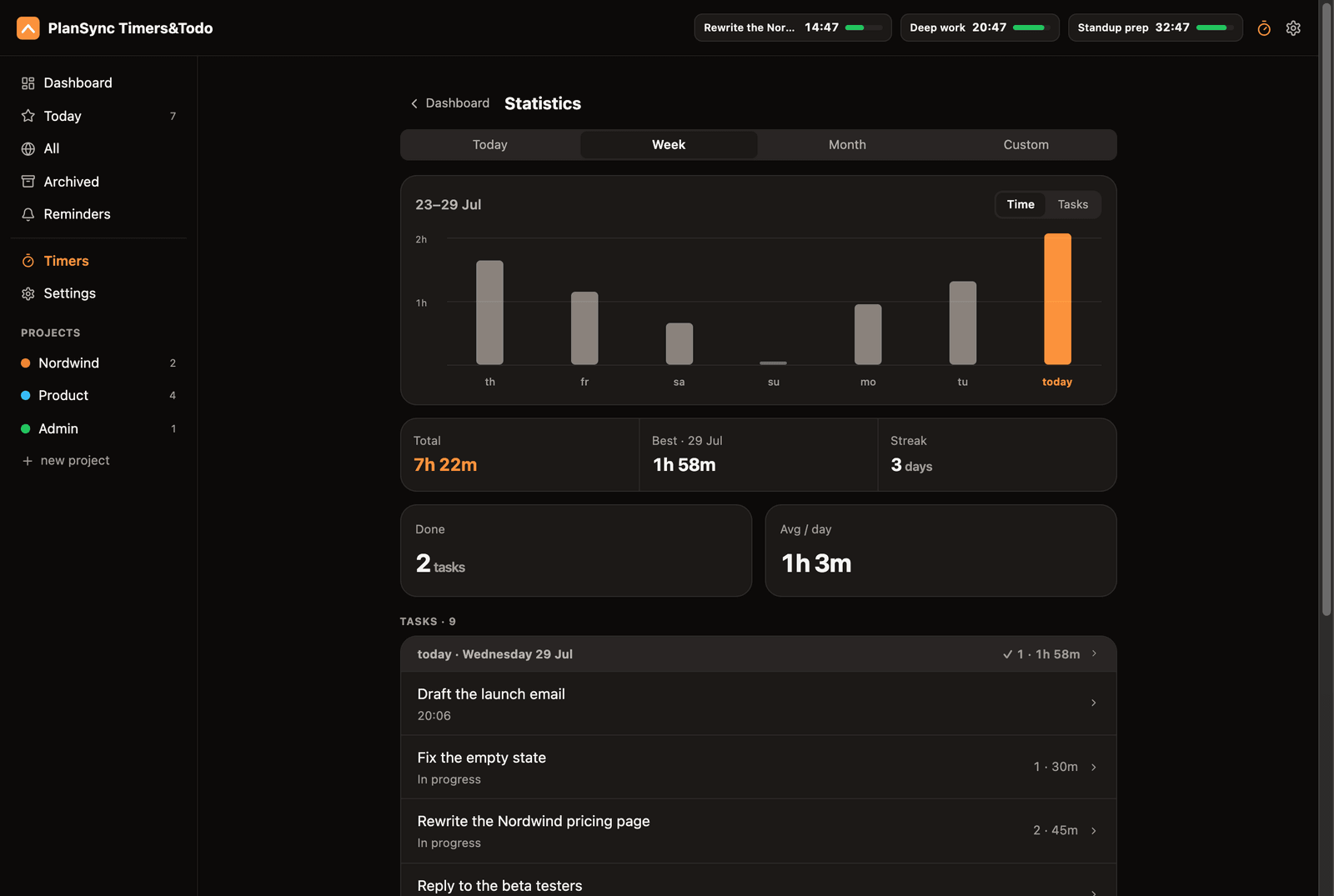
Statistics, from today to a range you pick
Today, this week, this month or a custom range, drawn from real session data. Part of Pro.
Android
coming nextBuilt from the same codebase as iOS - it’s the next one out.
The same app, natively
Android comes from the one Expo codebase behind iOS, so tasks, timers and sync behave exactly the same - no second, thinner product.
A full-screen alarm over the lock screen
The timer-end alarm uses Android’s full-screen intent to fire over the lock screen with looping sound and vibration - the same alarm that cuts through hyperfocus.
One account, everything synced
Sign in and your phone, tablet and browser share the same tasks and timers - on Pro, changes show up on your other devices right away, and it keeps working offline.
Home-screen widgets and quick capture
Timers and today’s tasks stay one glance away on the home screen, with quick-add so nothing has to wait for you to open the app.
On the roadmap
This shifts as we learn from how you use it - nothing here is a promise. Leave your email and we’ll tell you when each one ships.
Android app
SoonThe same app from the same codebase - it’s what we ship next.
Web app
PlannedPlanSync in the browser at plansync.link, on the same account and the same data.
Shared projects and tasks
PlannedShare a project or a task list and work through it together, not in two separate copies.
Shared timers
PlannedOne countdown that both of you see at once - the same timer on two lock screens.
Calendar integration
PlannedPull deadlines in from your calendar without moving into yet another app.
Team workspaces
PlannedA shared space for a whole team - something we are still exploring.
Try it on your phone and in Chrome.
Free to start - upgrade inside the app when you want more.